My story
You’ll want to remember this.
The walk that cleared your head. Something you tried. A decision that felt right. Write it in your own words and add a photo or file. My story brings your entries together, with the latest first.
 SabbaPlan
For the time you want to make your own
A long trip. A year to learn something new. Or simply less work for a while. SabbaPlan helps you see what you can afford, decide where to begin and remember what the time brought you.
For macOS 26 or later · One-time purchase, no subscription · The Mac app is coming to the App Store. The price will be shown there at launch.
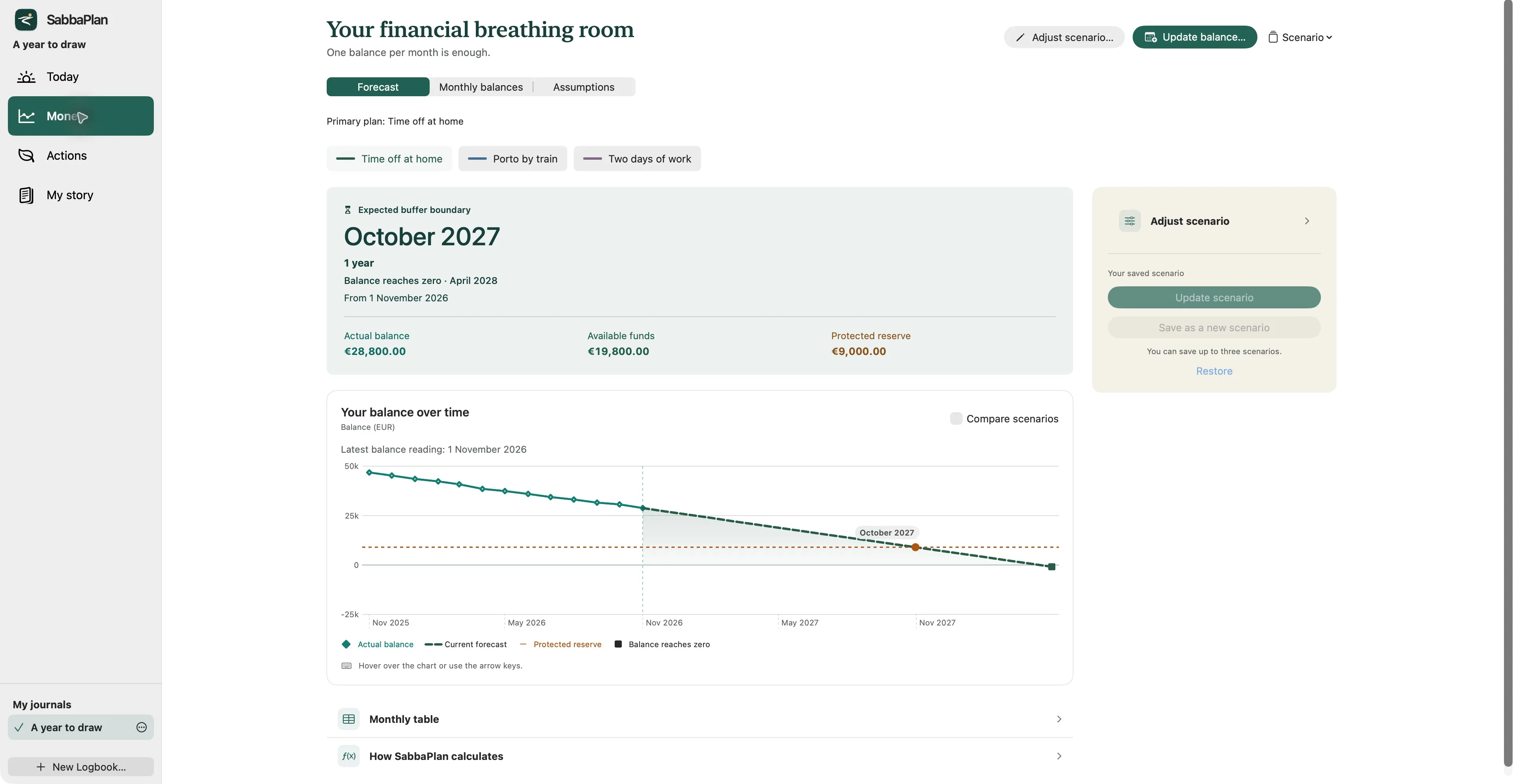
A month away costs money. A little paid work brings some back. Put up to three plans side by side and see how each changes your time off. You choose the savings you want to keep in reserve.
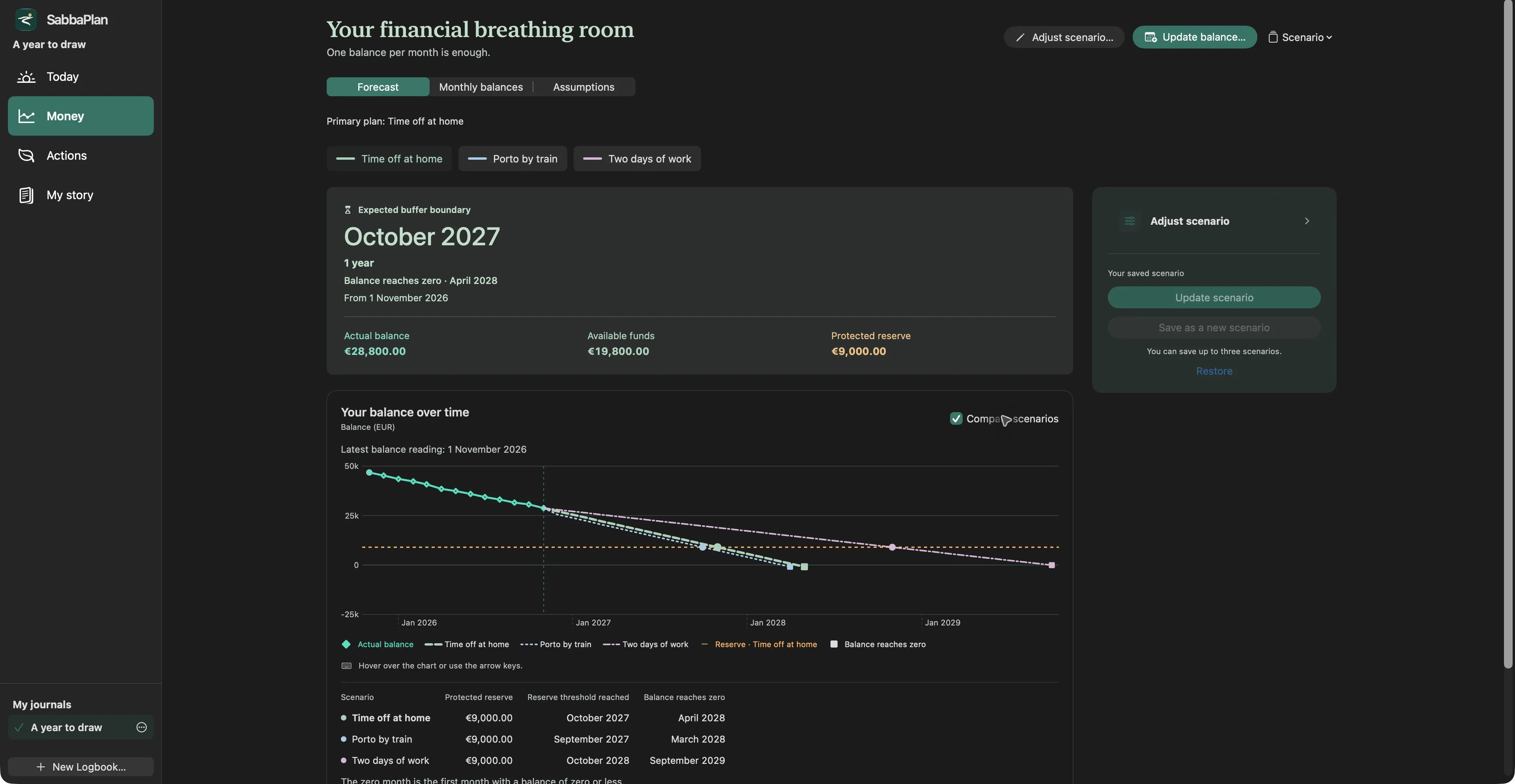
Today
Open your journal and find your financial outlook, current plans and recent entries together. Update a balance or leave a quick note, then get on with your day.
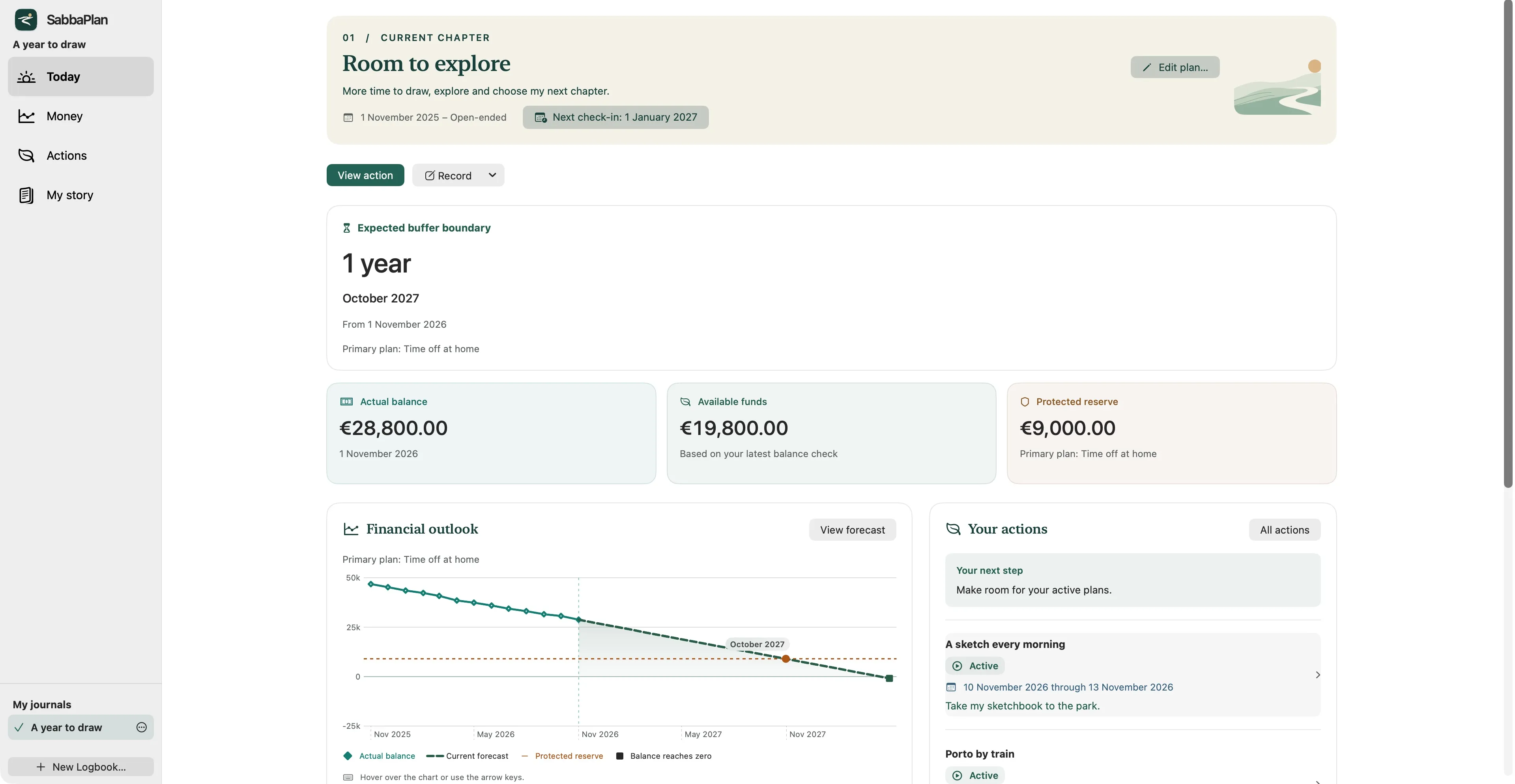
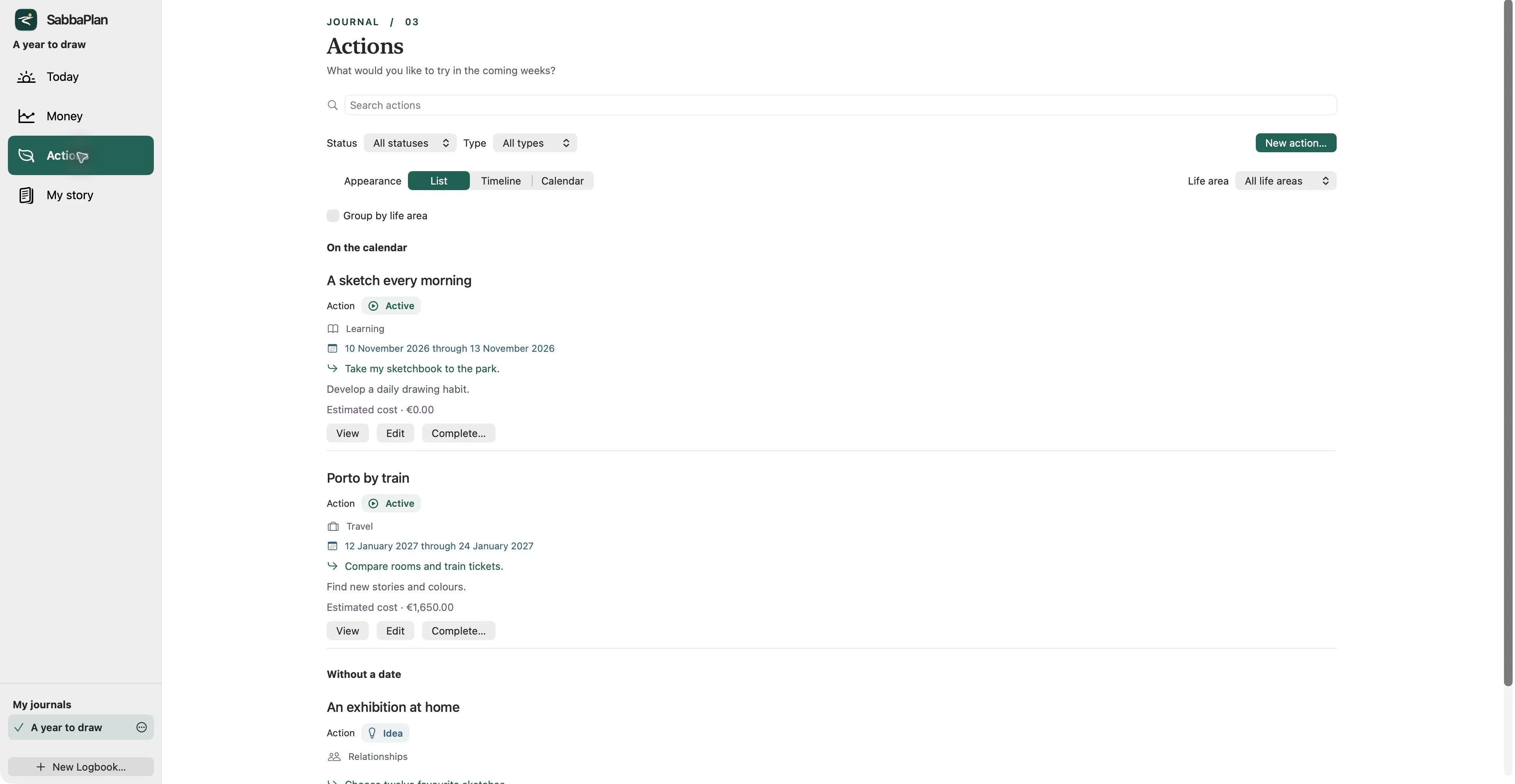
Actions
That course you keep thinking about. A trip by train. More mornings outdoors. Keep your ideas, add a first step and choose a date if you have one. View them as a list, timeline or calendar, and link a planned cost to a financial scenario.
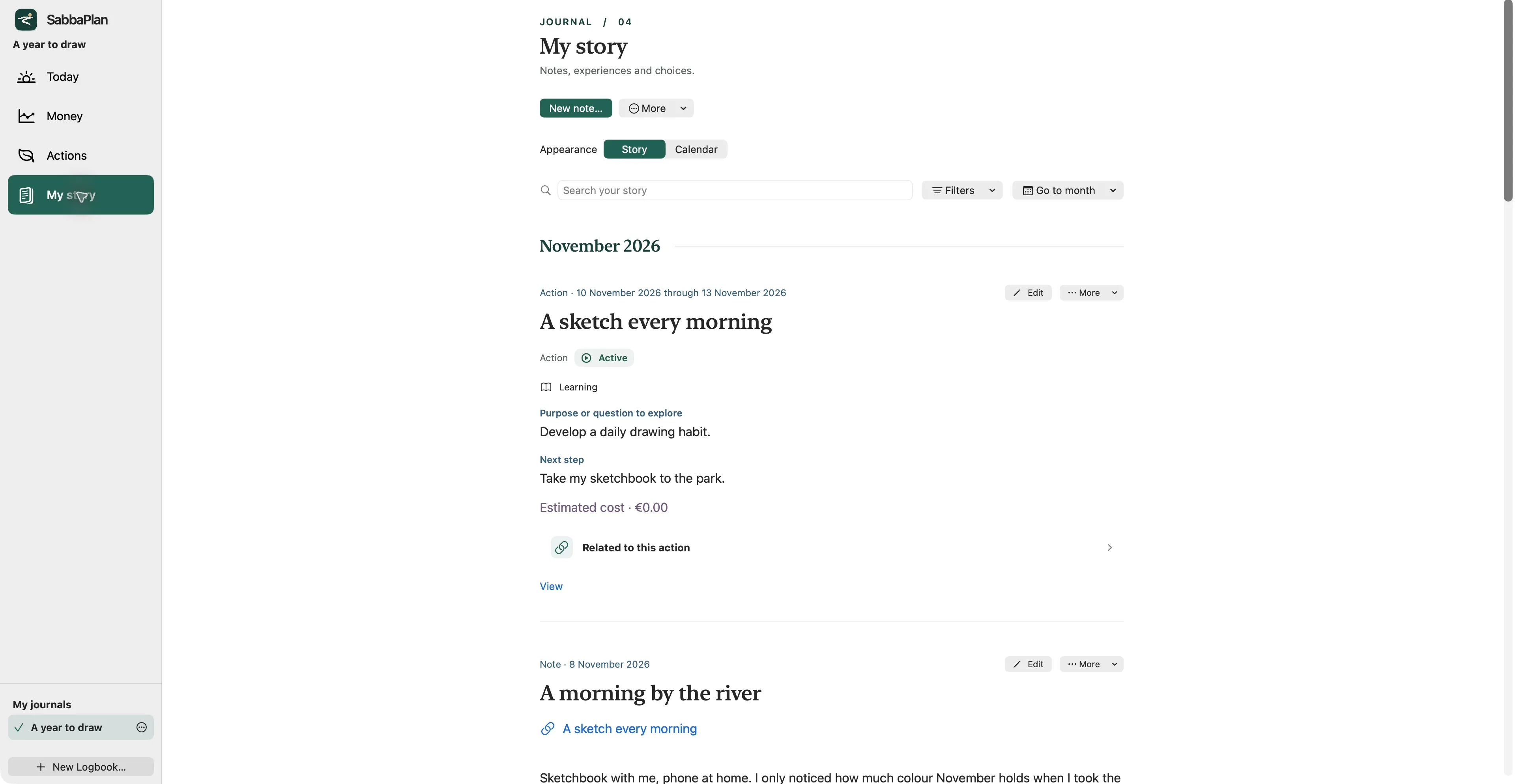
My story
The walk that cleared your head. Something you tried. A decision that felt right. Write it in your own words and add a photo or file. My story brings your entries together, with the latest first.
PDF reports
Want to talk your plan through with someone? Make a PDF with your purpose, key figures and forecast. Or look back on a month, a year or another period, with recorded figures alongside your current expectations.
You choose what goes in: scenarios, monthly tables, plans and, only if you want, your own writing. Preview it, save it on your Mac and decide for yourself who gets to read it.
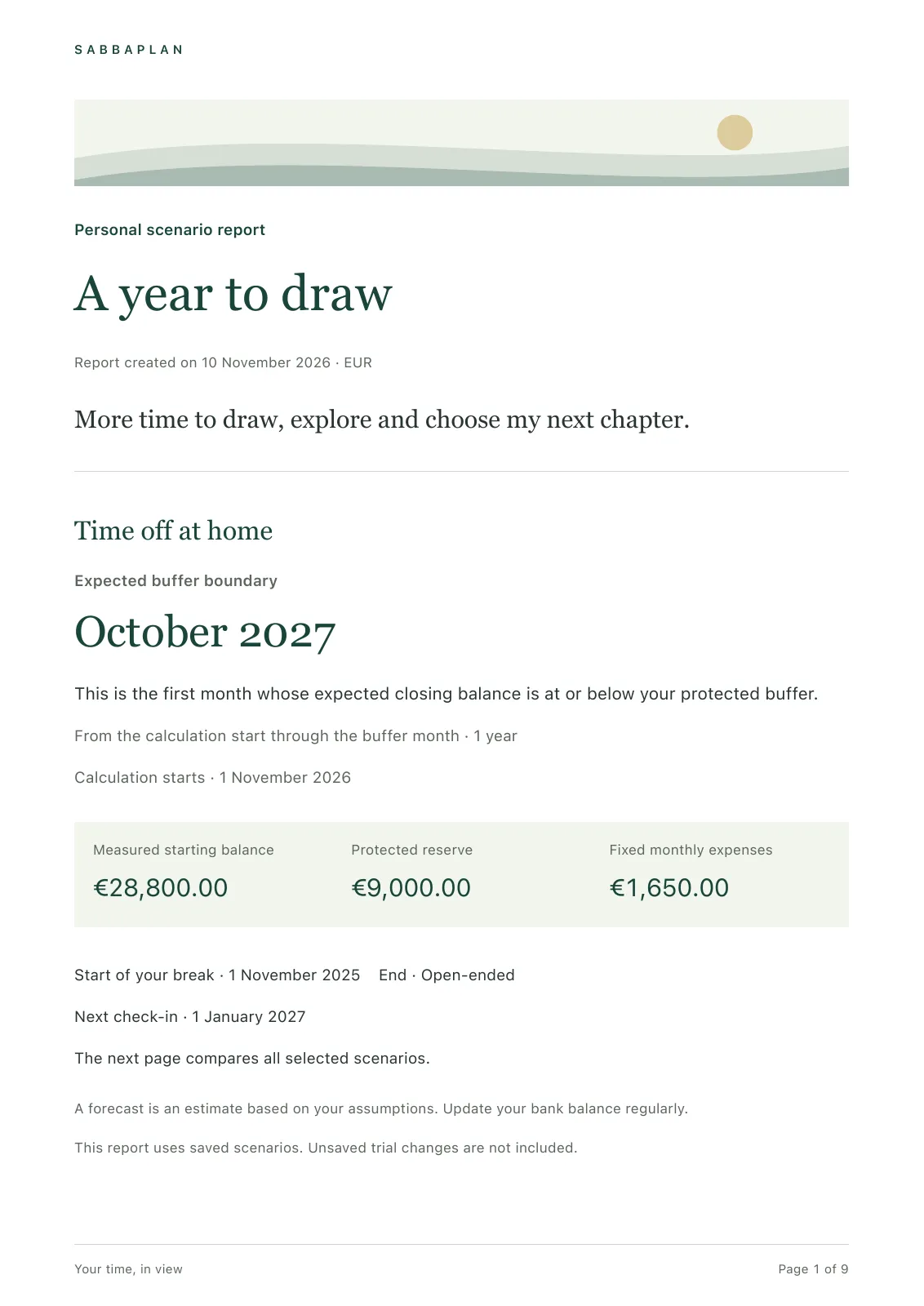
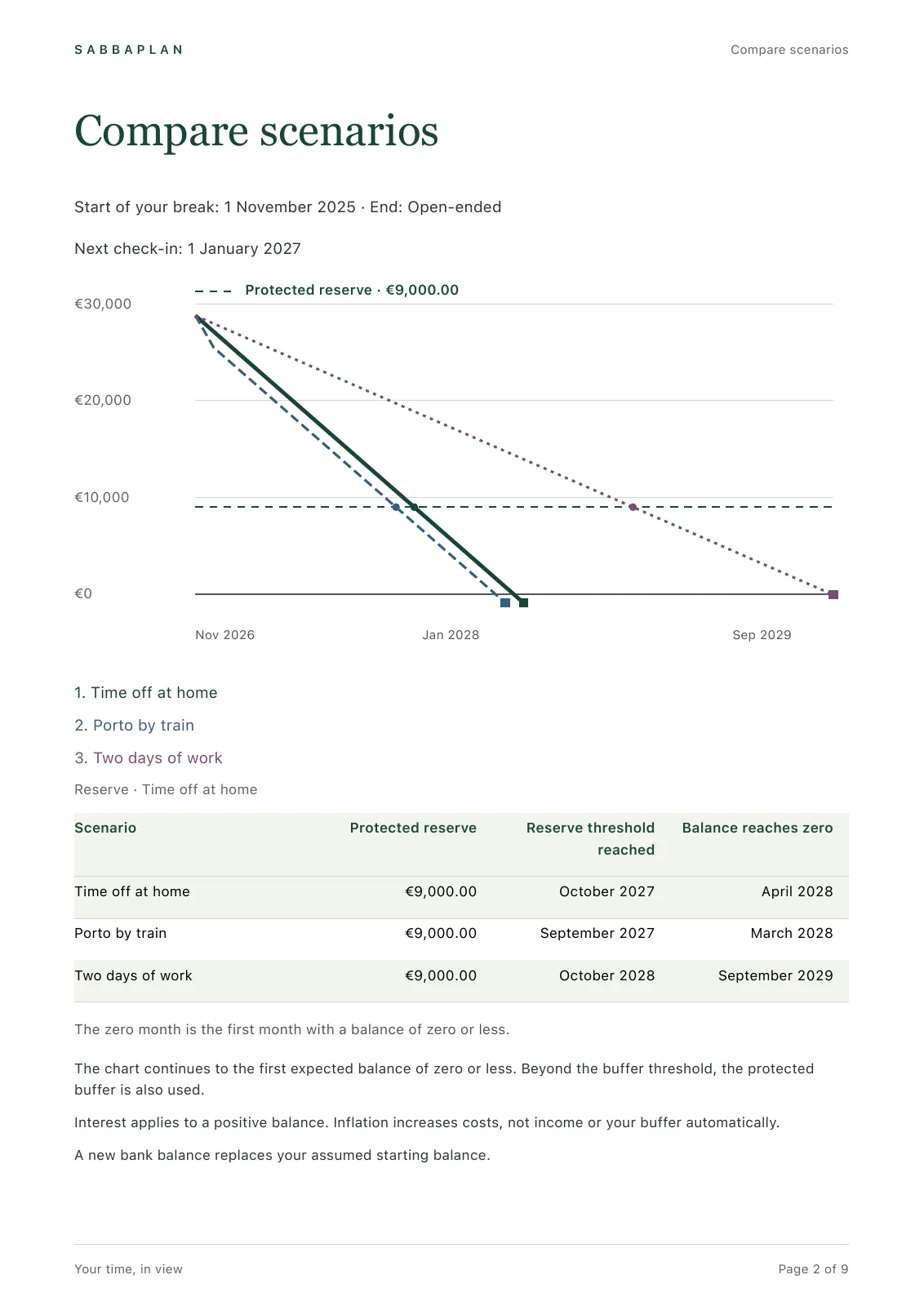
These are real exports with fictional data. Reports use saved scenarios. Charts continue to the first month at or below zero; monthly tables stop at the reserve. When a boundary is not reached, the forecast covers up to 100 years.
Your savings, monthly spending and any income are a good beginning. Add the reserve you want to keep, interest, inflation and larger expenses when you’re ready.
What if you stay away longer, spend a little less or take on some paid work? Try a change before saving it. Keep one main plan and up to two alternatives.
Enter your bank balance as you go. See how things are turning out and adjust your plans. Recorded balances and estimates each keep their own place.
An idea on a walk, a decision over coffee. Write it down while it’s fresh. Unfinished writing stays in a local draft so you can pick it up later.
Add a photo, PDF or text file to a plan or entry. Connect a reflection to the activity that inspired it. Your memories stay with their context.
Use light or dark appearance, enlarge the text and keep separate journals for different periods. Your plans work offline, without an account or bank connection.
Start with the free calculator in your browser. The Mac app is for keeping your plans and coming back to them as life changes.
| What you can do | Free calculator | Mac app |
|---|---|---|
| Calculate and compare up to three scenarios | Yes | Yes |
| Include interest, inflation and bank balances | Yes | Yes |
| Keep your changes after closing | This tab only | Saved on your Mac |
| Keep plans, writing and attachments | Preview only | Included |
| Create PDF reports | — | Included |
| Use separate journals, backups and exports | — | Included |
| Price | Free | One-time purchase |
A forecast helps you explore what might happen; it cannot tell you what will. Interest applies to a positive balance. Inflation changes estimated recurring costs, while income and your reserve stay as entered. Update your assumptions as things change. SabbaPlan does not connect to your bank or give investment advice.